View all applications
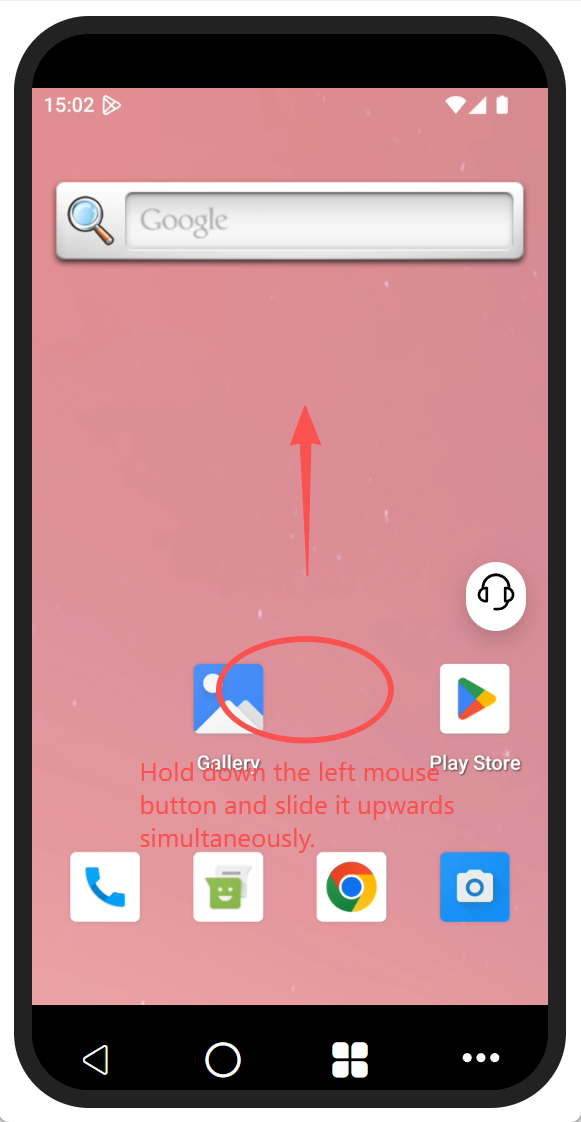
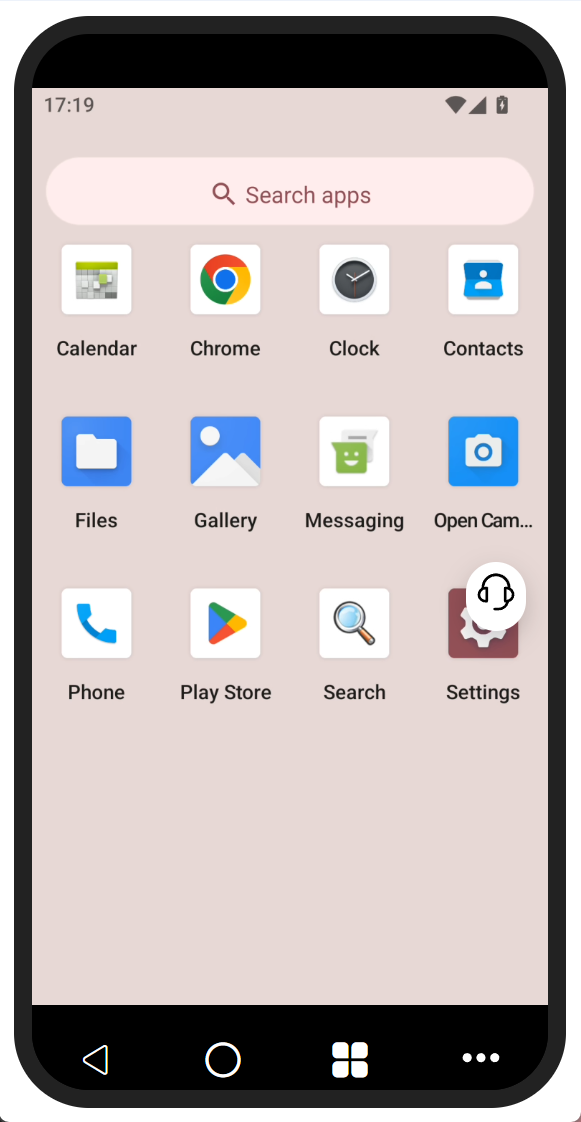
Applications such as photo albums, file management, and settings cannot be directly displayed on the home screen and the second screen. You need to hold down the left mouse button on the blank area of the desktop and then slide it upwards to view all the applications of the system.