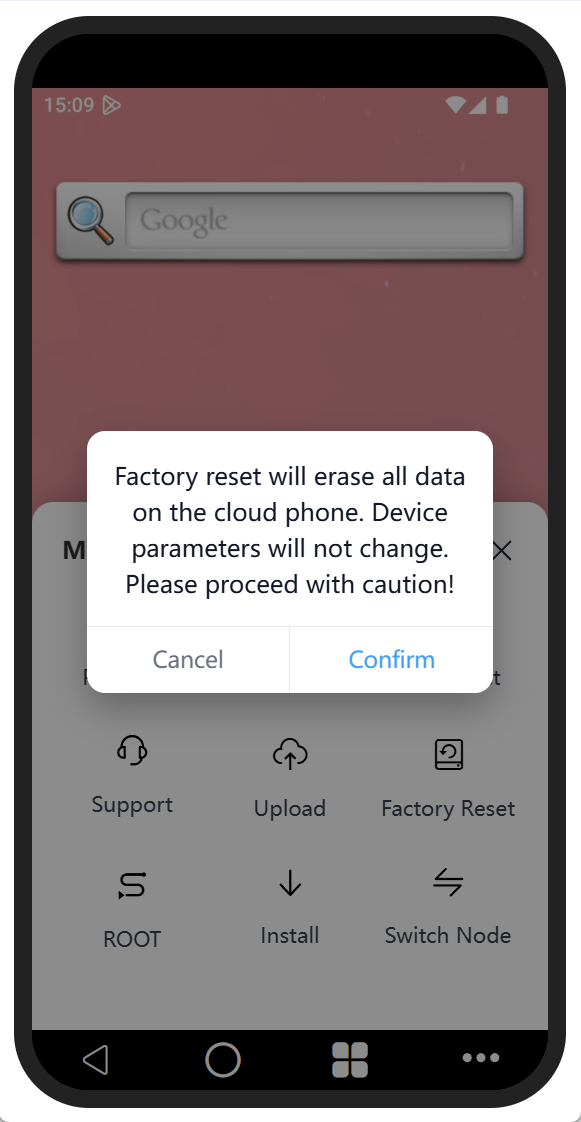
Restore to factory settings
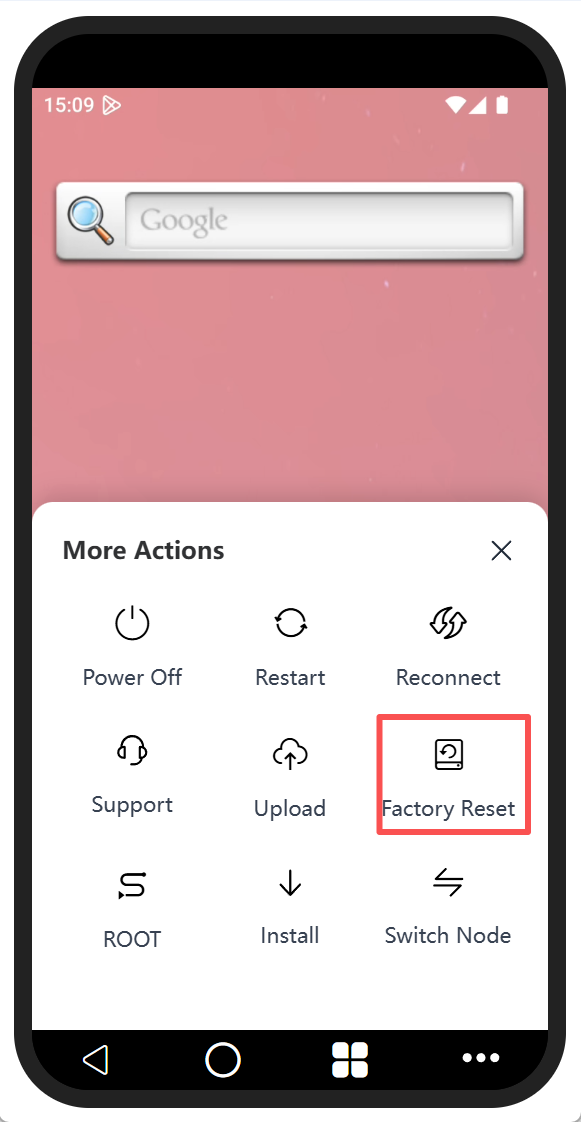
Click on the "More Functions" option at the bottom right corner, and then click "Factory Settings" in the pop-up box.
Click "Confirm" in the pop-up window to restore the factory settings. Restoring the factory settings will erase all data on the cloud phone. Please operate with caution.