Startup and Shutdown
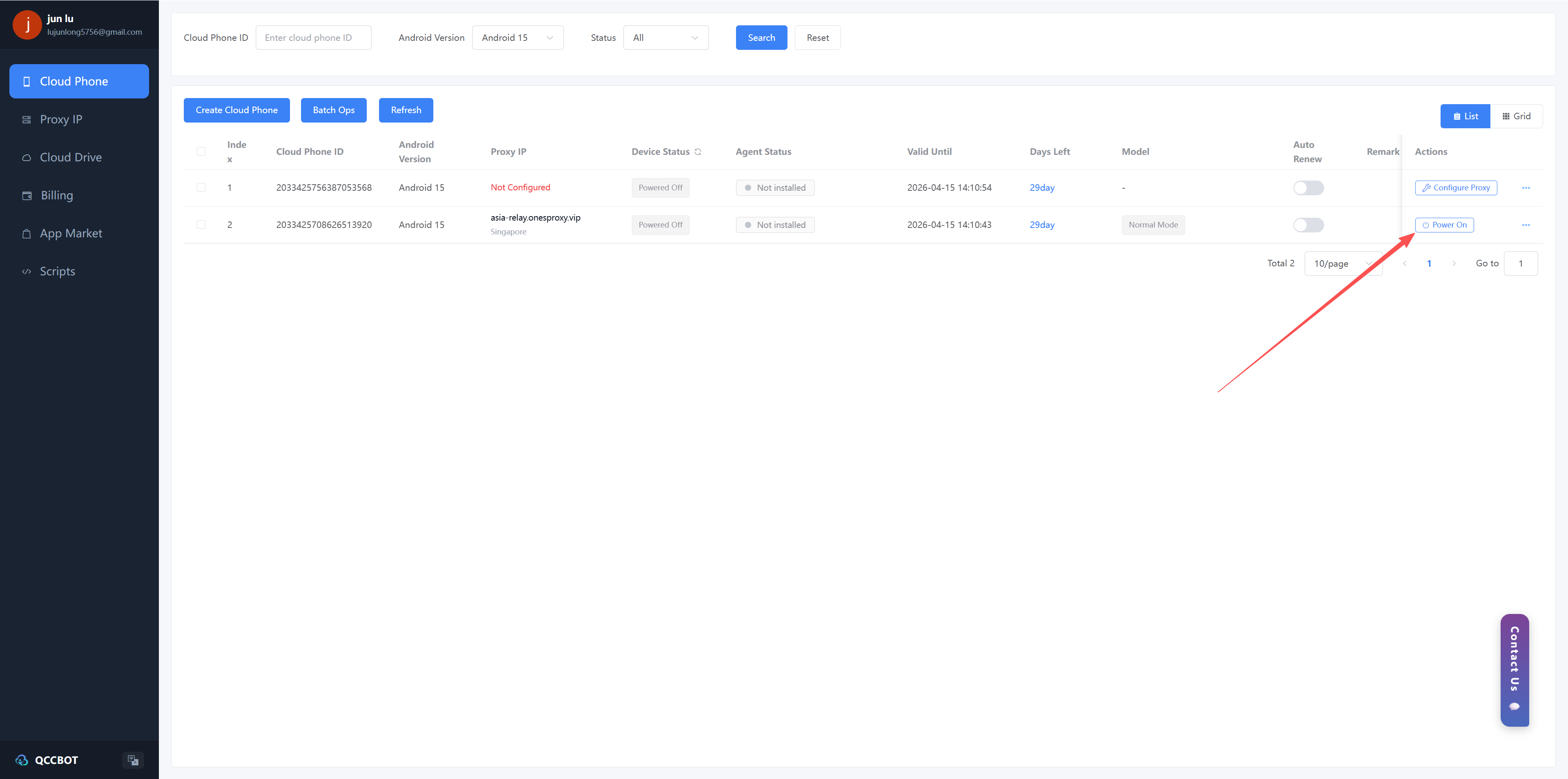
Power On
Click the "Power On" button on the right side of the cloud phone management list to complete the power-on process.
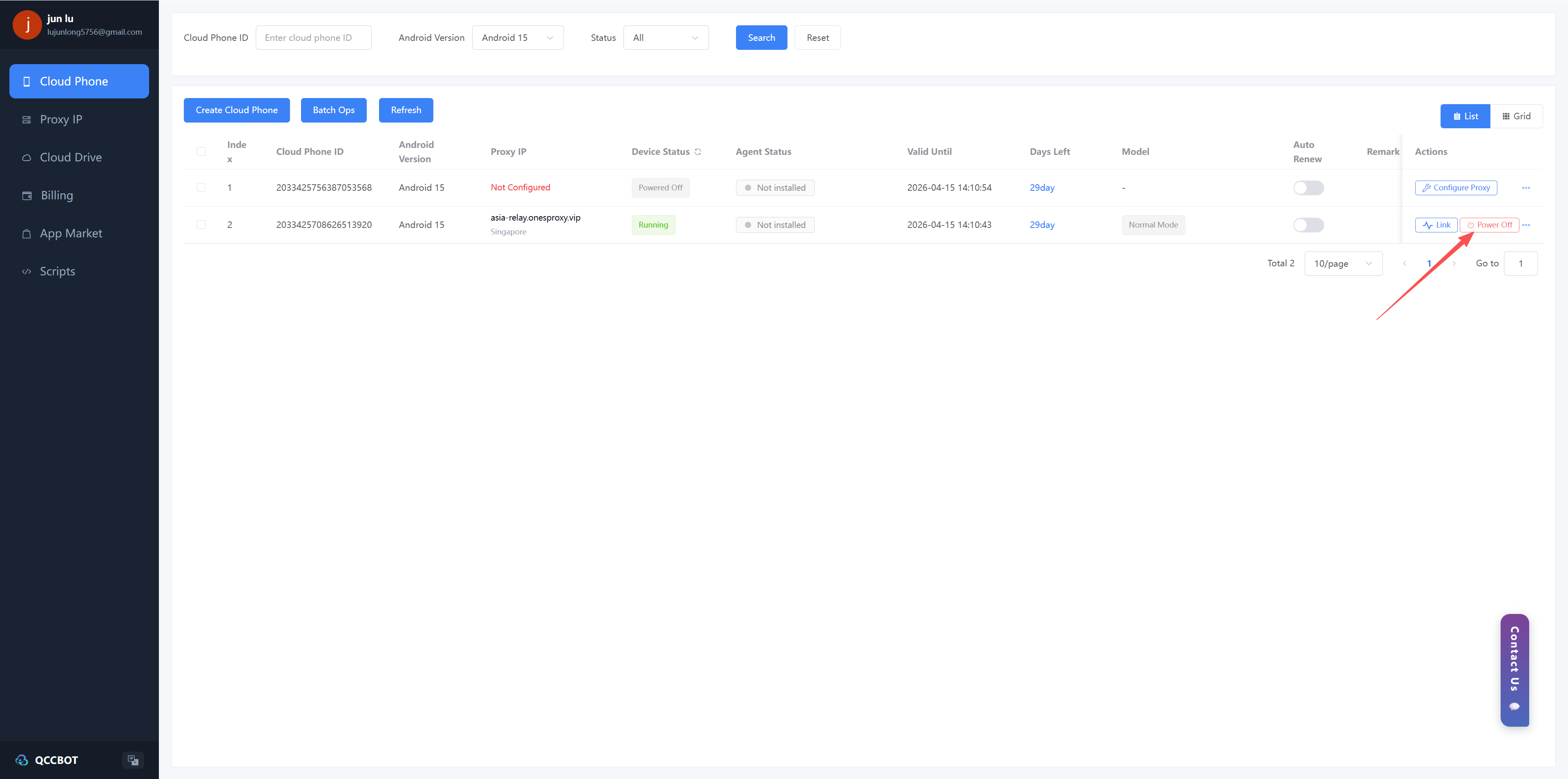
Shut Down
Click the "Shut Down" button on the right side of the cloud phone management list to complete the shutdown process.
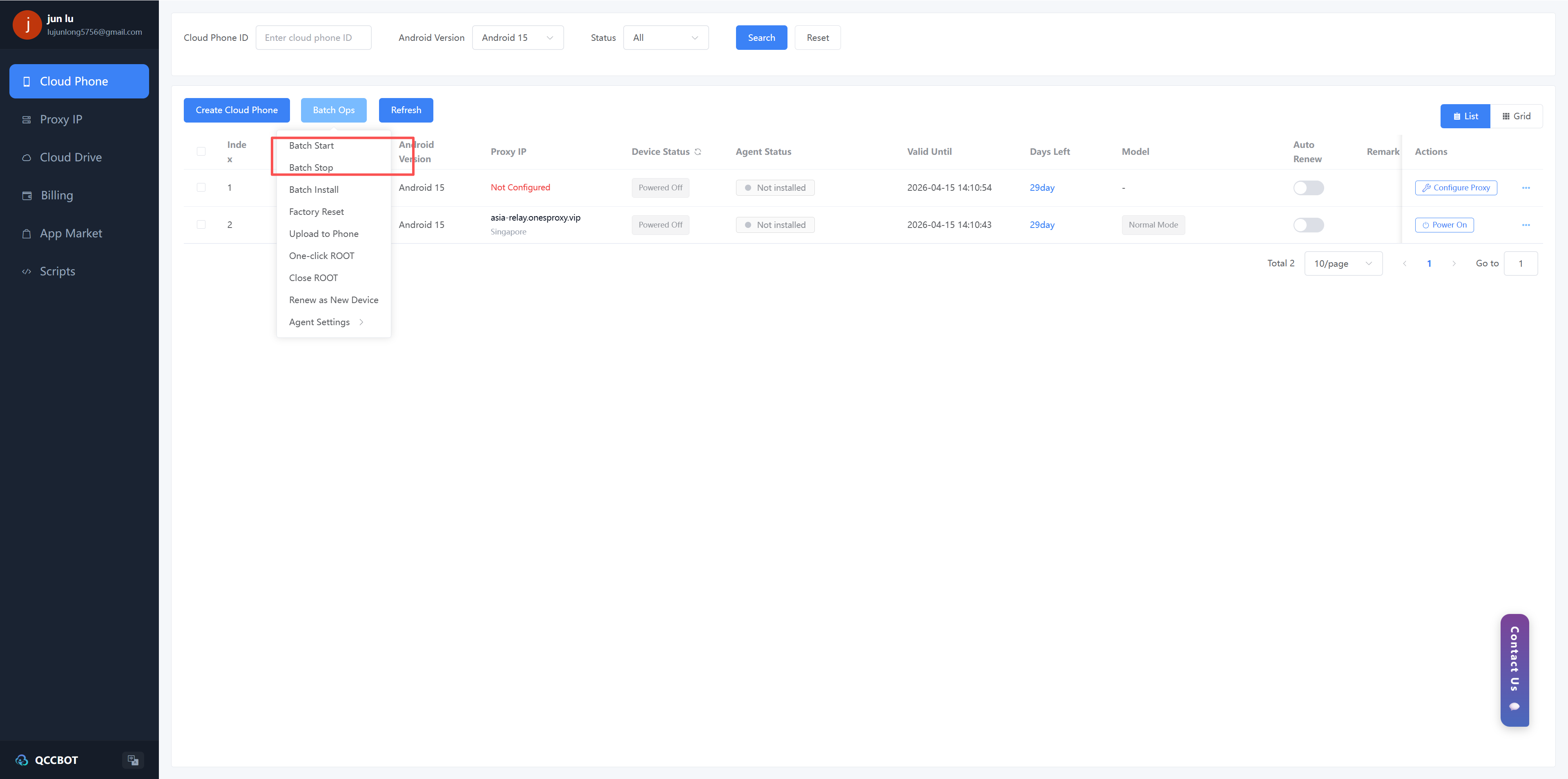
Batch Startup/Shutdown
You can also conveniently perform the power-on and power-off operations on the cloud mobile phones in the list in batches.